See your codebase as a city.
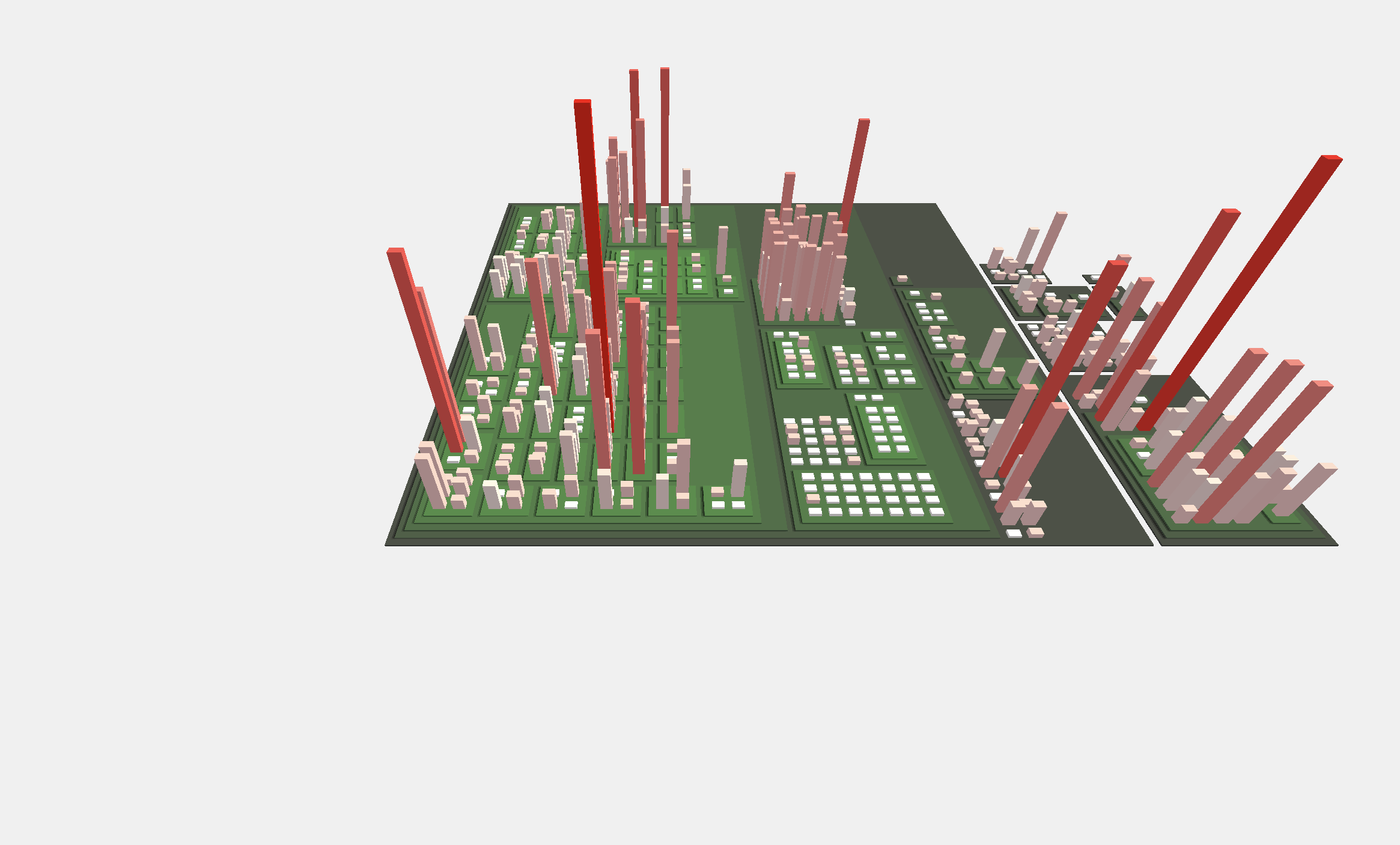
CodeIris reads the git history of a project and builds a 3D code city: every building is a file. Find change hotspots, code nobody knows anymore and the risk of losing a single contributor at a glance.
How it works
From a git repository to an explorable city in three steps.
Read the history
CodeIris clones a public repository and reads every commit: who changed which file, when and how much.
Measure every file
Size, change frequency, churn, ownership, knowledge loss, complexity and the share of AI written code.
Explore in 3D
Folders become districts, files become buildings. Height and color show the metric you choose.
What you can see
Each view answers one question about the code. The examples are real projects.
Changes by author
Shows at a glance where the work happens and which people carry which parts of the code.
Knowledge loss
Tall red buildings are a lot of code that hardly anyone in the team still knows. Changes there are slow and risky, good candidates for pairing, documentation or a handover.
Contributor risk
If that person leaves, the knowledge leaves with them (bus factor). Together with knowledge loss it shows where this is about to happen.
Change frequency
Hotspots are where most bugs appear and where refactoring pays off most.
Churn and bug fixes
Code that is rewritten a lot and fixed often points to unclear requirements or a fragile design. Bug fixes are only detected by the commit message.
Changes within the last 360 days
Separates the active parts of the project from stable or abandoned code.
Want to see your favorite project?
CodeIris analyzes public GitHub repositories. Suggest one and it shows up here.
Suggest a repository